
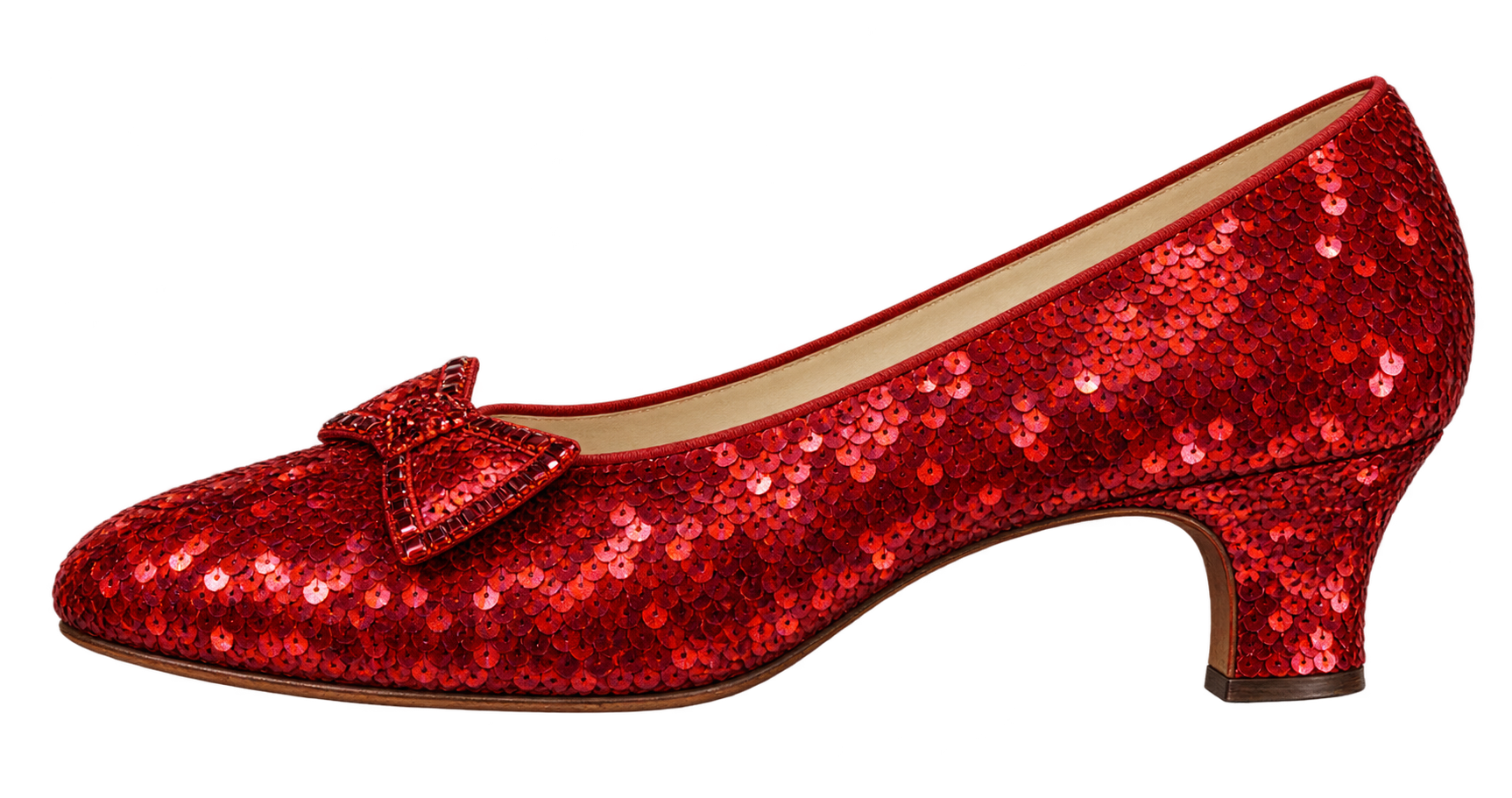
How long is a ruby slipper from Dorothy's 1939 costume compared with an atlas moth?
Use the atlas moth as your reference.
01 / 05



Atlas mothReference
Dorothy's ruby slipper (1939)Your estimate
Fine tune
Use the atlas moth as your reference.
A daily change of perspective
Size It Up is a free daily size guessing game. Compare two real-world objects and resize one until their proportions look right. Lock in your estimate to discover the actual size and your score.
Play five rounds with no timer or sign-in required. Each round is worth up to 100 points, for a daily total of 500. A new challenge arrives every day at 00:00 UTC.
Try a different sense of scale: compare the east–west or north–south spans of country outlines in Geography.
Play Size It Up GeographyResize the object on the right until its length or height looks correct next to the reference object on the left. Drag the blue handle, scroll while hovering over it, or use the plus and minus buttons. You can also focus the handle and use the arrow keys. Lock in your estimate to reveal the answer.
The grid is a visual guide to proportion, not a fixed number of metres. Use the object on the left as your reference. The actual measurements are revealed after you lock in your estimate.
Each round is worth up to 100 points, for a daily total of 500. The closer your estimate is to the true ratio, the more you score. Overestimating by a factor of two and underestimating by the same factor earn equal points. Your first answer in each round is final.
Each revealed answer includes its measurement context and a source link. Sizes use a stated reference, such as a representative example, a regulation dimension or a recorded maximum. Animals and manufactured objects can vary, so the answer explains which example or size limit the round uses. The illustrations are visual guides, not engineering drawings.
The daily leaderboard ranks submitted scores from that day. Monthly and all-time boards rank the average of your submitted daily scores and also show total points. Only submitted days count; equal scores or averages share a rank. Finish all five rounds and your score automatically joins the leaderboard with your current nickname, without signing in. You can edit your nickname, avatar, and country or region in your profile. Your email is never public.
No. You can play, share your result and join the leaderboard without signing in. A nickname and avatar are created for this browser. Finishing the daily challenge automatically publishes your score on the leaderboard. Linking a Google or verified email account is optional and lets you recover your progress on another browser or device.
Yes. Your profile, answers and submitted scores are saved on our servers. A cookie gives this browser access to your profile. Clearing cookies or switching browsers can remove access to an unlinked guest profile. A new account keeps all your current guest progress. If you sign in to an existing account while you have guest progress, we ask you to confirm before loading that account’s progress. Confirming gives up access to the current guest progress in this browser; canceling keeps it. The two sets of progress are never merged. When signing out, you can keep using the same linked profile in this browser or start a new guest profile. Keeping it preserves the nickname and progress and continues saving to that profile on our servers; it does not unlink the account. Starting a new profile leaves the account’s progress saved and lets you use another account.